
A quiet doorbell should tell you when someone presses the button without making the whole home sound off. But a silent chime, a phone alert, and limited recording are three separate settings. Decide which you need, then choose the connection that your front door can actually support.
Quick answer
Reolink’s wired Wi-Fi and PoE doorbells both offer a visitor-alert path and local-storage options. Choose Wi-Fi if the existing doorbell wiring supplies compatible power and the wireless signal is reliable. Choose PoE if Ethernet with power reaches the door. Check the app’s visitor notification and chime settings separately; neither model becomes a press-only camera merely because you mute its chime.
Disclosure: As an Amazon Associate I may earn from qualifying purchases. Prices, stock, and delivery terms can change — please confirm the current details on Amazon before ordering.

Choose when Wi-Fi and compatible wired power are already at the door
Reolink Video Doorbell WiFi 2K
$129.99
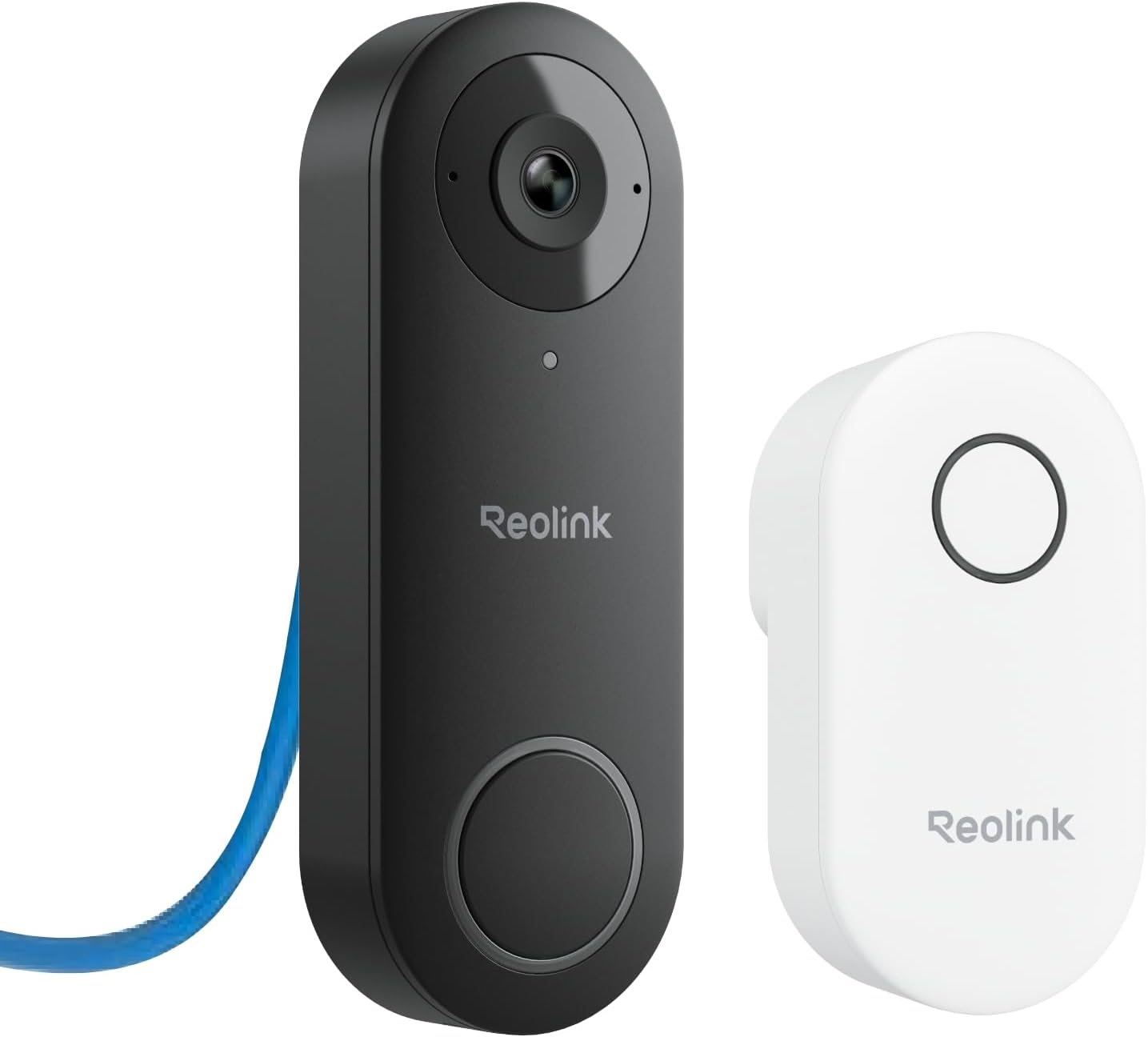
Choose when a PoE Ethernet run is available or planned
Reolink Video Doorbell PoE 2K
$101.99
The three controls that matter
Visitor alert: A button press can be treated differently from person or motion detection. In the Reolink app, check the Visitor notification filter for the exact device and phone; test a real press after setup. An alert is not useful if background notification permissions or a quiet-hours rule silently suppress it.
Indoor sound: The included chime has its own ringtone and silent controls. Muting the indoor chime is not the same as disabling the phone’s visitor notification. Test both in the actual daytime and nighttime routines you care about.
Recording: Local storage removes the need to rely only on a subscription for saved footage, but it does not mean the camera captures nothing between button presses. Check the selected recording schedule, motion/person detection, storage capacity, retention, and remote-access settings. No product listing proves a zero-data or press-only privacy mode.
Wi-Fi when power is there but Ethernet is not
The selected Reolink Wi-Fi 2K listing is a wired-power doorbell, not a battery model. Reolink documents a 12–24V AC or 24V DC power requirement for the Wi-Fi doorbell family. Before ordering, identify the transformer, confirm the exact model’s power requirements, and test Wi-Fi signal strength at the doorway with the door closed. Do not assume the old chime wiring or an apartment’s existing buzzer is automatically compatible.
This path suits a house with a compatible doorbell power run and stable wireless coverage. It is a poor shortcut if the front door has weak Wi-Fi, the power source is unknown, or a landlord will not allow the wiring change.
PoE when a cable can reach the door
The selected Reolink PoE 2K uses a wired Ethernet and power-over-Ethernet path. Its appeal is a direct network connection rather than depending on doorway Wi-Fi, but it needs a suitable PoE source and an Ethernet run. Plan the cable route, weather protection, and mounting location before choosing it. A nearby ordinary network jack does not supply PoE unless the connected switch or injector does.
For a new build or renovation, this may be easier to plan before walls are closed. For an existing apartment where routing cable is not permitted, the lower listed product price does not make it the cheaper installation.
Set up a genuinely quiet routine
- Enable Visitor notifications and send one test press while the phone is locked.
- Mute or schedule the indoor chime separately, then send another test press.
- Choose which motion or person alerts are actually useful; do not enable every event by default.
- Set a recording schedule and local-storage retention that matches your privacy expectations.
- Test with another household member, at night, and while away from home. Remote notifications depend on the phone, app permissions, network, and any required account or service path.
When neither is the right purchase
If you only need to know that a particular door opened, a door/window sensor is a different and simpler decision. If you cannot use existing power or run PoE, neither of these two wired models solves the installation problem. If you require absolute assurance that no footage or event data leaves the premises, investigate the manufacturer’s exact network and storage behavior before buying; “local storage” alone is not that assurance.
If the real job is checking an agreed indoor room while away, rather than seeing or answering a visitor at the door, use the indoor-camera privacy and room-coverage guide. It separates single-room Apple Home coverage from a larger-room detail path and starts with the monitoring pause rule.
FAQ
Can I get a phone alert without the indoor chime ringing?
The app provides separate visitor-alert and chime controls for supported Reolink models. Configure and test both; phone do-not-disturb and notification permissions can still affect the result.
Does local storage mean no subscription or cloud account is ever involved?
Local storage can provide a recording path without a paid cloud plan. Remote access and notifications may still require network services or an account. Review the current terms and settings for the exact model.
Is PoE better for privacy than Wi-Fi?
PoE changes the physical network and power path; it does not by itself determine what is recorded, retained, or sent remotely. Those are separate configuration and service questions.